Organize your rooms: Your guide to Wings
Origins 04 Aug 2026 0 41 1
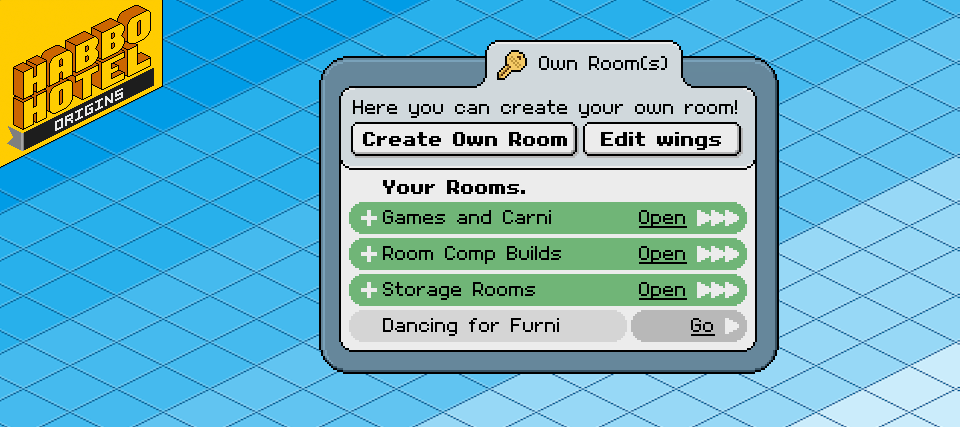
Habbo's! Today's update rolls out a brand-new feature to the Hotel.. Wings! They allow you to Group your rooms into Categories that are combined together in the Hotel Navigator, just like Public Rooms! Let's walk you through how they function.
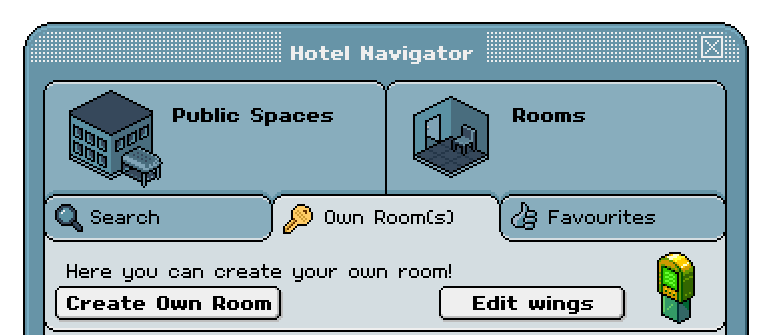
Upon navigating to your 'Own Room(s)' in the Navigator, you might notice the new 'Edit Wings' button. This is your point of entry to start organizing your rooms.
This opens the 'Edit Wings' window, which displays all the wings you have configured. Each can be given a name of your choice, to help you organize your rooms. Some Habbo's might combine all their storage rooms for easy access, while others may want to highlight their best builds. Wings provide you the flexibility to do both.. and more!
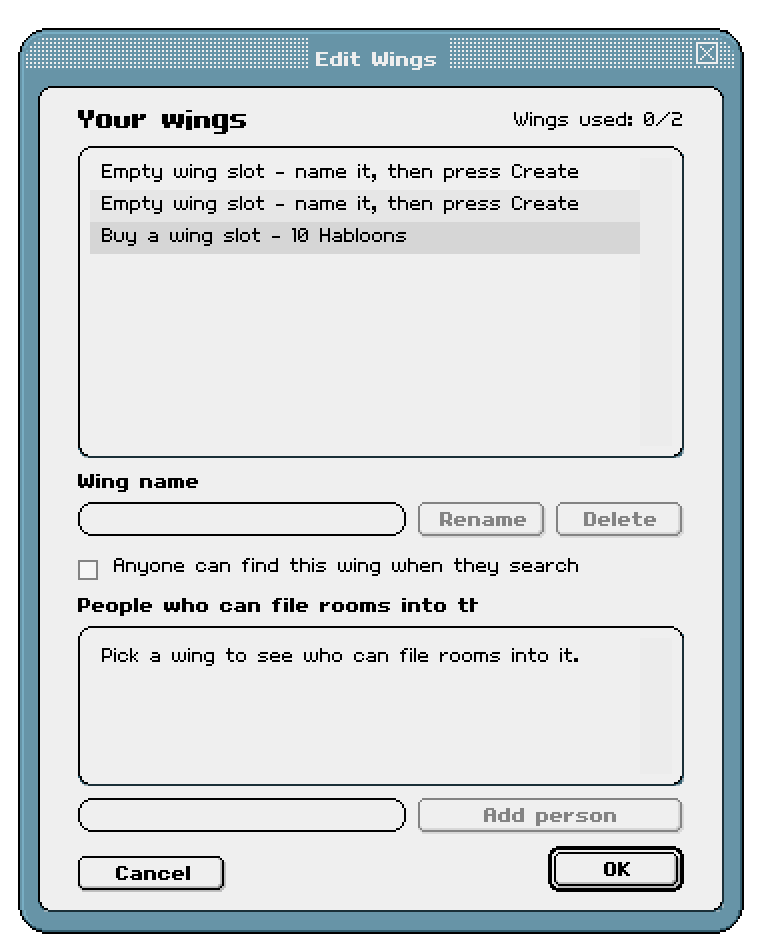
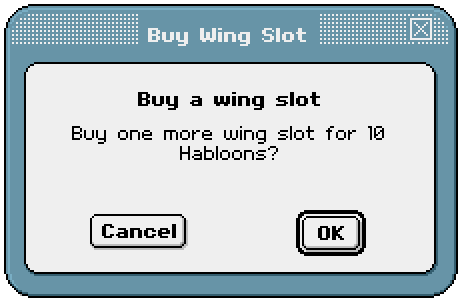
Every Habbo is given 2 wings for free, at no additional cost. These wings can be used at your heart's content. If you desire additional wings, you can purchase them here at a cost for 10 Habloons.
After you have created your first wing, it will be displayed at the top of the navigator upon searching your name. By default, wings are hidden in the navigator, so that only those with permission to add rooms to wings are able to see it. In order for other Habbo's to see your wing, the 'Anyone can find this wing when they search' checkbox must be ticked.

Now that your wing is set up, it's time to add rooms! And here comes the exciting part... you can allow other Habbo's to add their rooms to your wing, creating a shared category. Whether your group of friends like to combine their restaurants to form one exclusive dining experience, or you are working together to host various games during a larger event, combining them into a wing allows everyone to quickly search for and find rooms by different Habbo's.
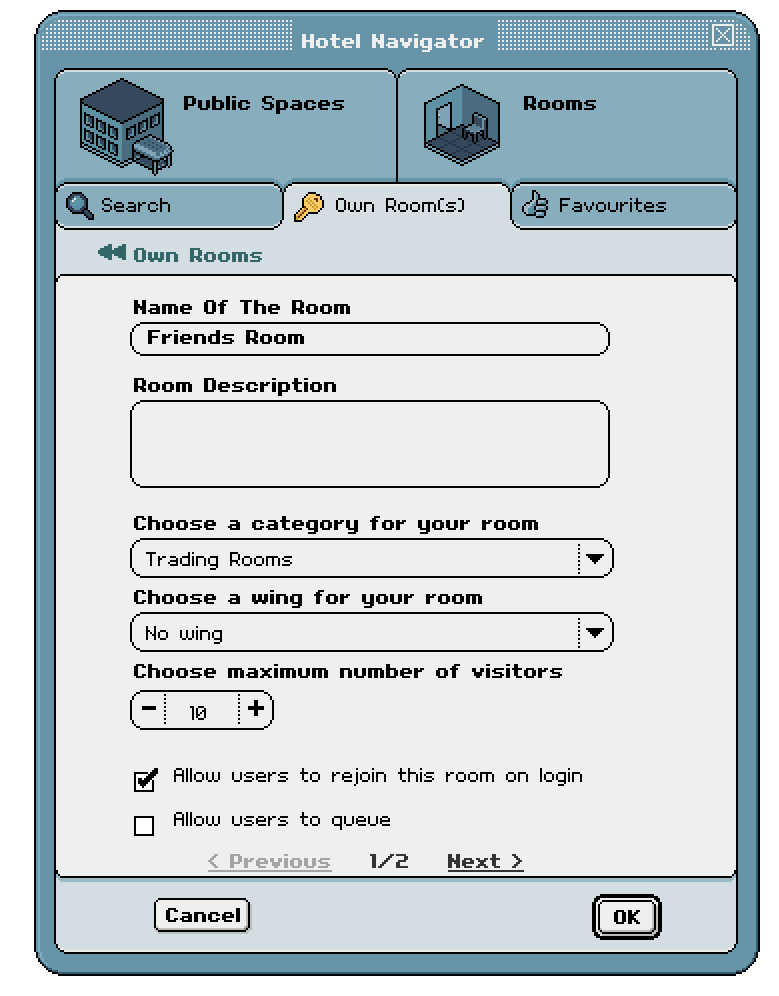
The 'Edit Room' window has been updated to allow you to assign the Room's Wing. Each room can only be part of one Wing, whether that is your own or a friends' wing. If you do not see your friends' wing in this list, ensure they have added you under the 'People who can file rooms into this wing' list in the 'Edit Wings' panel.
And that's all you need to know to start organizing your rooms with wings!